
What the platform does
Help your agents do
more useful work.
Start with a new business goal or the agents you already have. Define responsibility, test and release the work, check covered actions and review results. Both paths use the same Business Authority and evidence for the next improvement.
Find what you need
Assess existing agents
Know what is missing
and whether the fix worked.
Review each agent’s business task, EU AI Act context, applicable regional and industry requirements and your company policies. Prioritise gaps, agree changes and test the result.
- Bring in your agents
See what each agent is meant to do and who owns it.
- Benchmark & triage
Check work quality, reliability, cost and the controls it needs.
- Improve & retest
Give each fix an owner and compare the test results with the starting point.
- Review & redeploy
Let the responsible team review the results before the next release.
Example benchmark · Company policy
A missing approval step is a practical example.
Review the requirements that apply to this use of the agent. A finding should tell the team what needs to change, who owns it and how to check the fix.
Follow an agent through the review ↗Illustrative purchasing-agent review
Orders above the spending limit have no reliable human approval step.
Add the approval route, name the purchasing owner and hold the action until a decision is recorded.
Test an order within the limit and an order above it. Check that the second cannot proceed without approval.
Keep the rule, test results and approval together when the team reviews the release.
Design new agents
Give the agent a clear job
before you build it.
Write down the result you want, who owns it and how far the agent can go. Keep that setup with each version you test and release.
The same setup works for an existing or a new agent. It covers the decisions it may make, the data it may change and when it needs to involve a person.
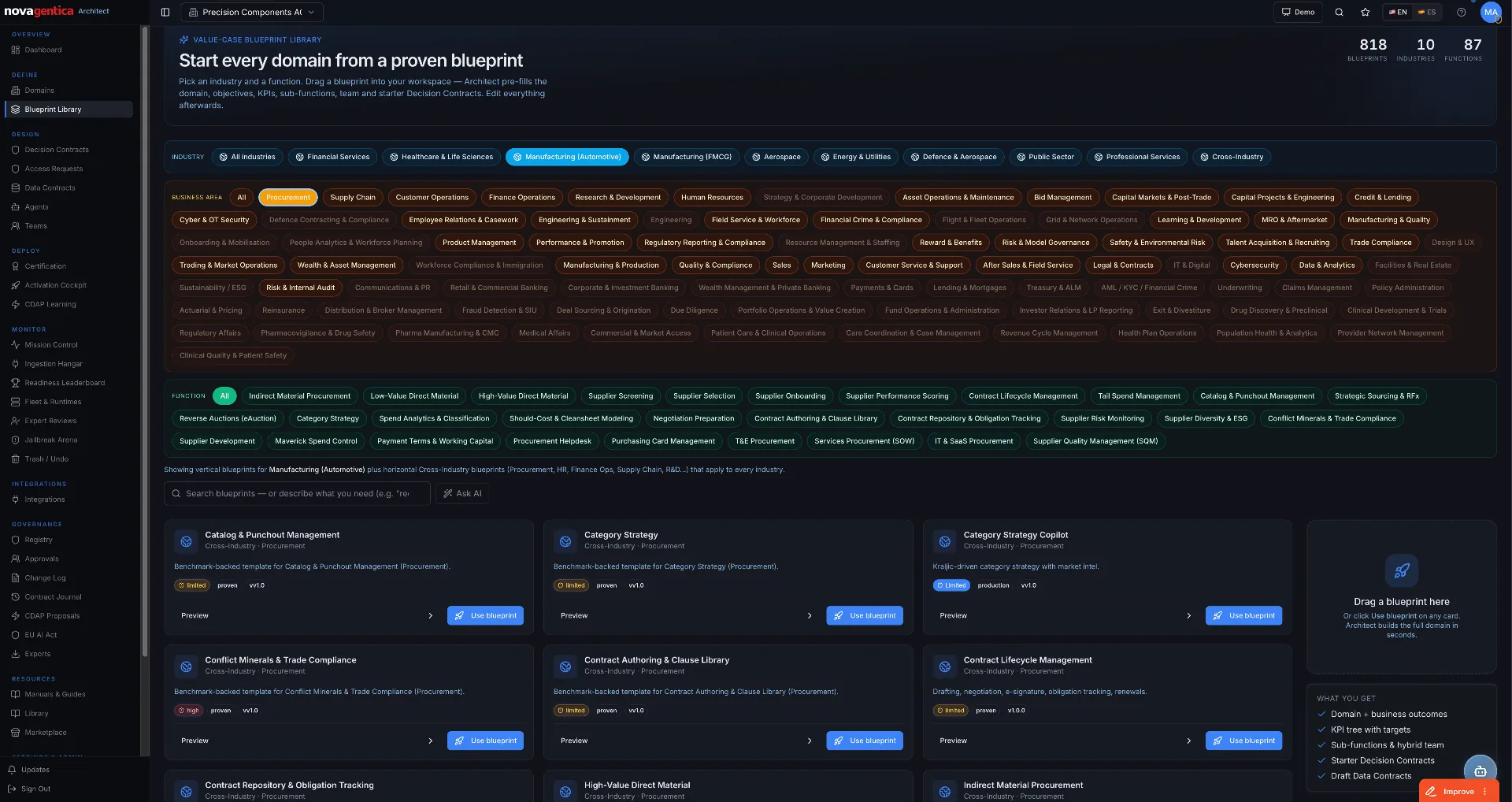 Enlarge product view
Browse examples for your industry or team.
Published product viewSee an example agent definition
Example agent definition
Purchasing agent
- Business goal
- Keep replenishment moving within agreed spending limits.
- Decision boundary
- Approved suppliers; orders up to €25,000.
- Data boundary
- Read supplier and order data; write only the permitted order fields.
- Interaction boundary
- Ask the purchasing owner to approve exceptions before the write.
- Verified result
- The ERP amount and supplier match the authorized request.
What the three contract types mean
Decision Contracts describe what the agent may do. Data Contracts cover the information it may use or change. Interaction Contracts set out when it needs another agent or a person. Test these rules before release and review them when the agent changes.
Follow the deployment and improvement cycle ↗Check important actions
Check the request before
the system is changed.
Check who the agent is, what it is asking to do and whether your rules allow it. The configured Gateway applies these checks before the connected system is changed.
Your team chooses who approves exceptions. The approval stays linked to the specific action.
Try a governed action ↗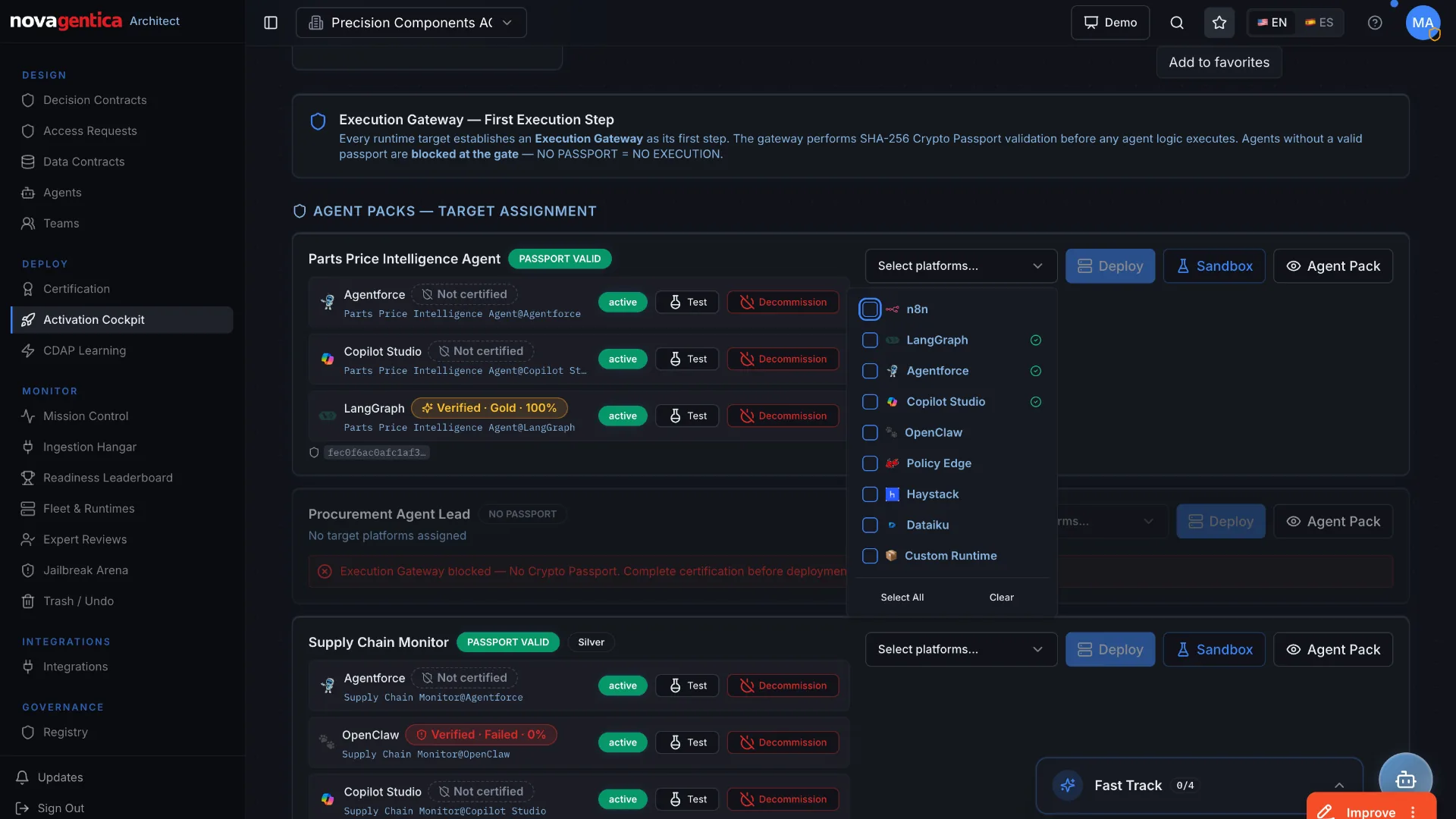 Enlarge product view
Review which versions are ready to release on each platform.
Product view · sample dataSee the three possible decisions
Allowed by your rules
Allow the action and then check the result.
Approval required
Hold the action until the responsible person decides.
Outside the agreed limits
Block the action on the connected path and record why.
Check what happened
Keep the approval
and the result together.
Read the result from your purchasing, customer or other business system. Link it to the original request, the rule and any approval.
Flight Recorder keeps those records together so your team can explain a decision or investigate something that went wrong.
Explore the flight recorder ↗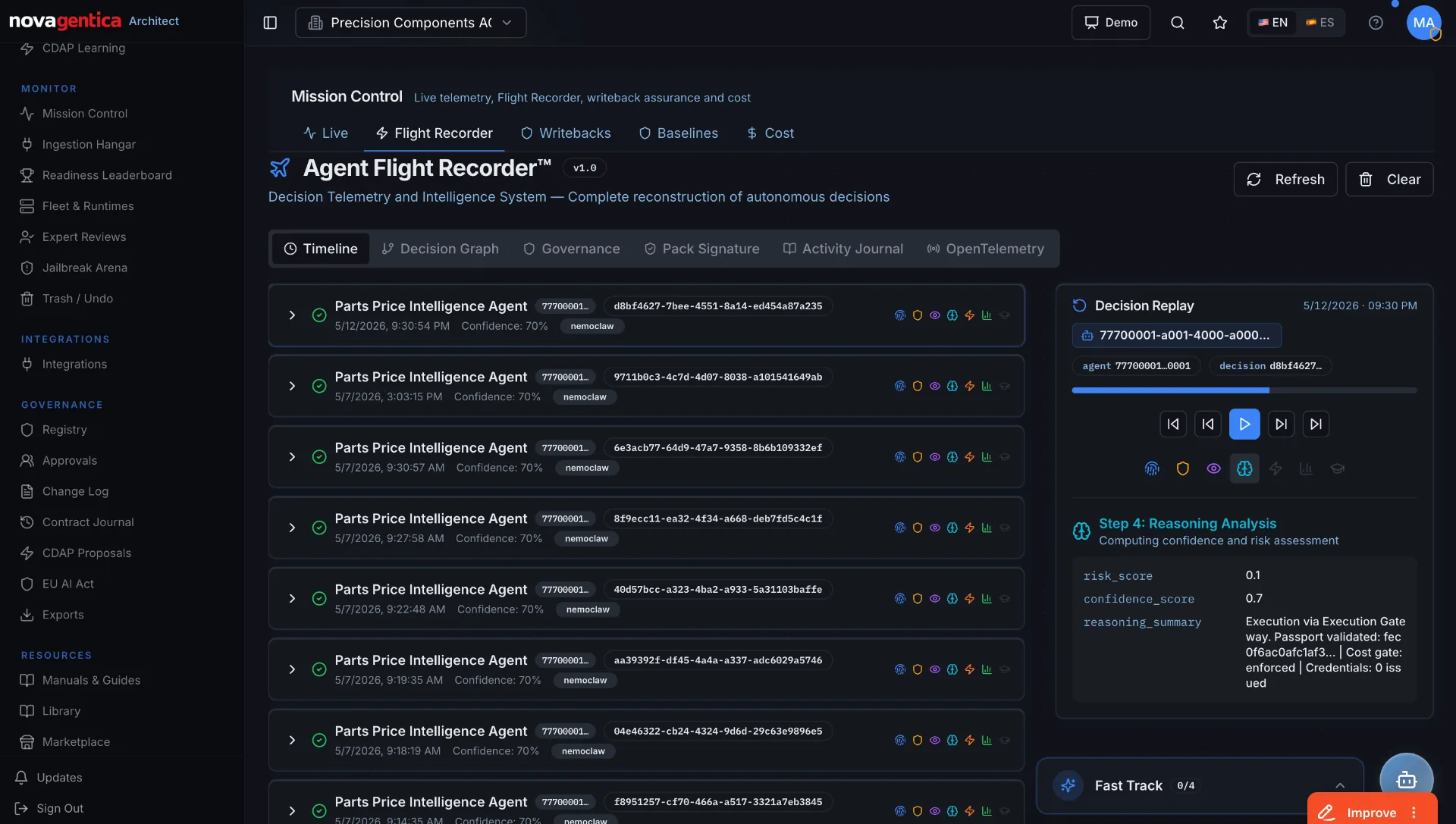 Enlarge product view
Open a decision to see the context and supporting records.
Product view · sample dataSee the evidence connected to an order
The amount differs. Retain the linked evidence and escalate the mismatch for review.
Review and improve
Check whether an update
actually improves the work.
Compare the work with the goal. Look at quality, reliability, time and cost to decide where a change would help.
Test the tasks affected by a change. Let the responsible owner compare the results before releasing the new version.
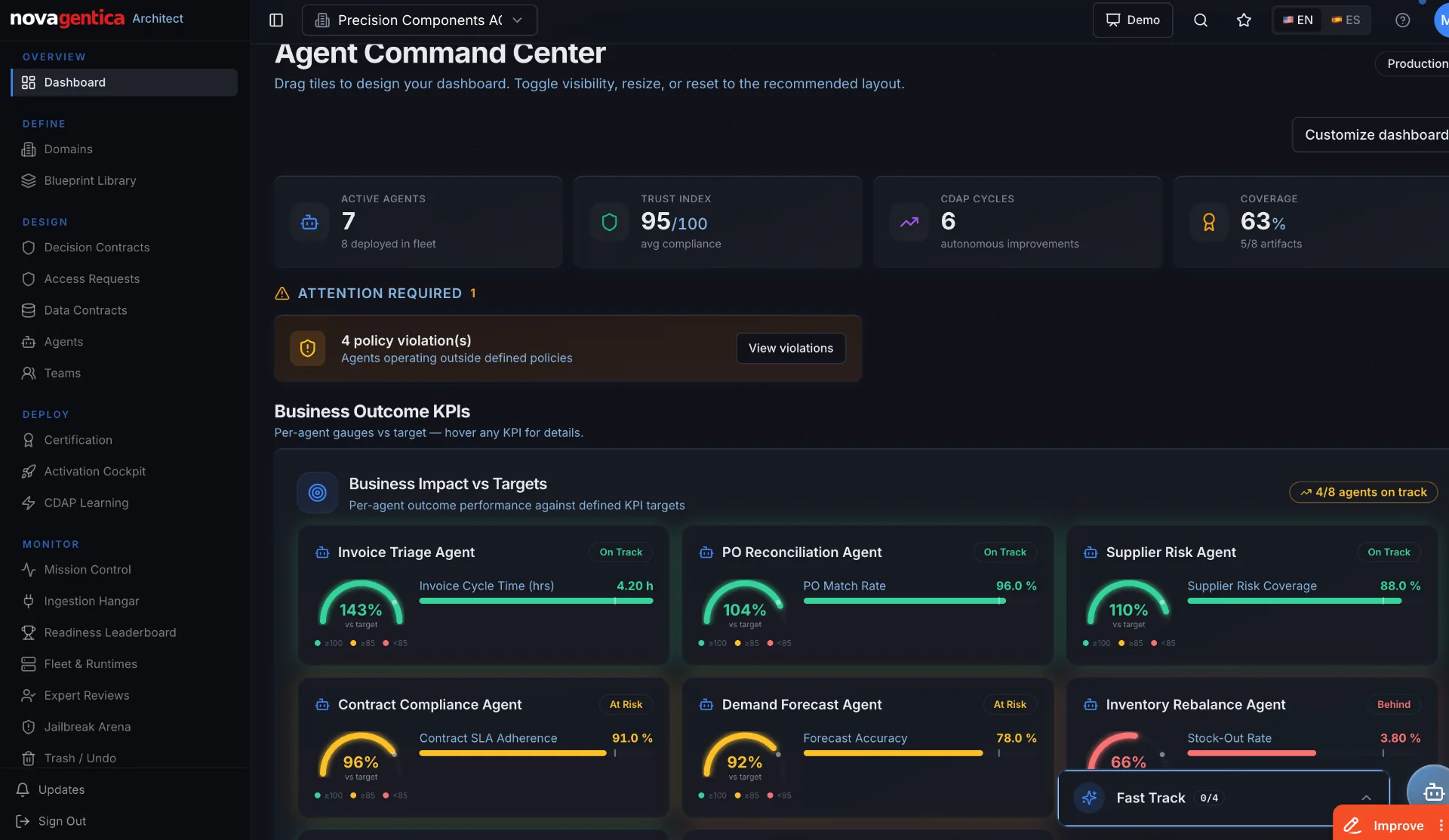 Enlarge product view
See your agents, open issues and business targets together.
Product view · sample dataSee what to compare between agent versions
Compare the results with the starting point.
Did the agent produce the expected business result?
Did it respect the controls, including exception cases?
What changed in latency, resource use and manual effort?
Talk to Novagentica
Let’s look at the work you want to improve.
Tell us what the agent should do and where it gets stuck. We’ll work through the next improvement and how to check it.